1. Make sure you have the latest version of Safari
Either choose Software Update from the Apple menu or download it from here.
2. Turn on Extensions in Safari Preferences
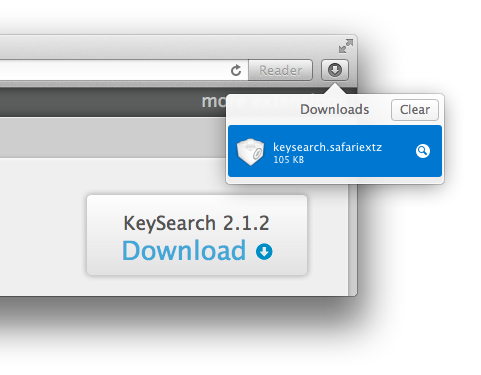
3. Double-click keysearch.safariextz
The keysearch.safariextz file should have automatically downloaded to your Downloads folder. If not, click here to manually download the file.
4. You're ready to go! Need some help getting started?